Setting up Chromecast on Android and iOS is extremely easy; you just need to download the Google Home app andfollow the setup instructions.
However, it’s a different story for PC and MacBook users altogether. First things first, there is no Google Chromecast app for macOS or Windows; instead, desktop users only need to have Google Chrome installed to cast Mac on TV.
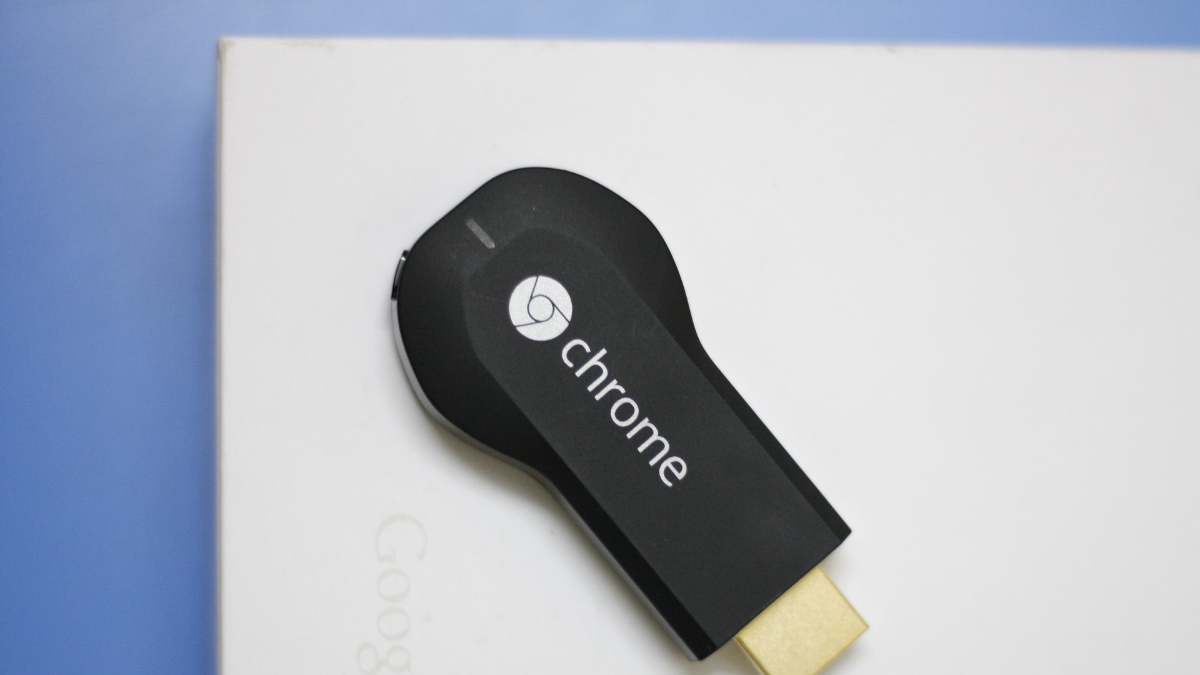
How to Chromecast from Mac to TV?
Setting up Chromecast on a Mac is extremely easy. But, there are a few things you need to take care of in advance.
Prerequisites:
After that, just follow the steps below and you are good to go —
Through this method, you will be able to Chromecast from the MacBook.

Chromecast Netflix from Mac to TV
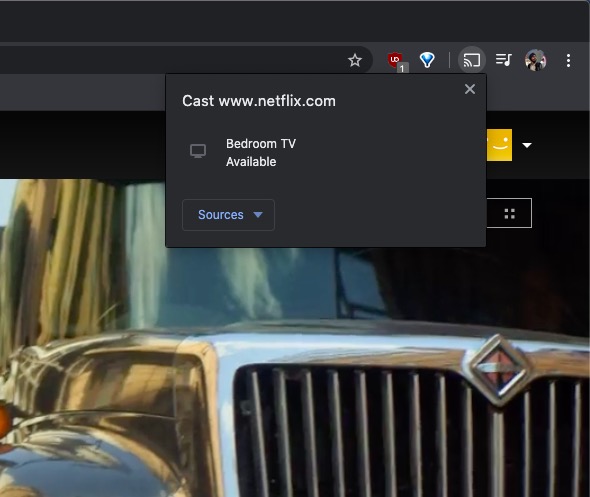
If it’s not a Chrome tab but a streaming service like Netflix that you want to cast from Mac to TV, then here are steps —
Alternatively, you will find the cast icon in the bottom right corner of the Netflix player, alongside other media controls. Click on it > Select the Chromecast in the cast options to start casting Netflix from Mac on TV.You can use both methods for all kinds of streaming services, even for those that don’t support casting to another device.
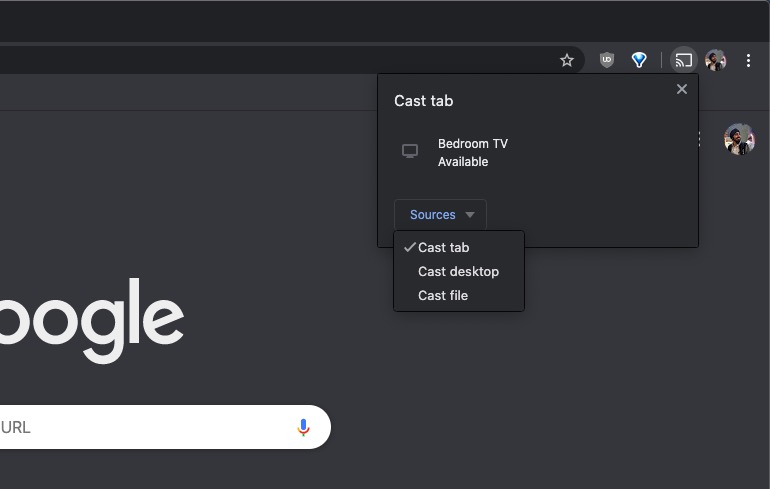
Chromecast Local Video/Audio Files From Mac
Although you can first cast the entire desktop and then select a media file, a better option would be to cast the media file directly. To do that —
Alternatively, you may alsouse the VLC media player to cast media files from Macusing a Chromecast. Simply open a file using VLC > Go to Playback > Rendered > Choose the Chromecast device.
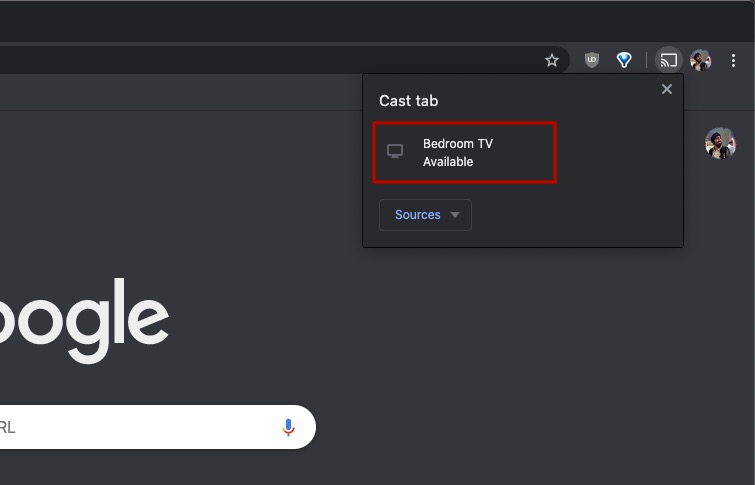
So this is how you’re able to use Google Chromecast on MacBook. If you are facing problems connecting Chromecast to your Mac, you can troubleshoot the device or simply reset the Google Chromecast.